Image filters
An add-on that applies CSS filters to any image using a simple URL fragment. A bunch of moods and styles, one # away.1
Preview
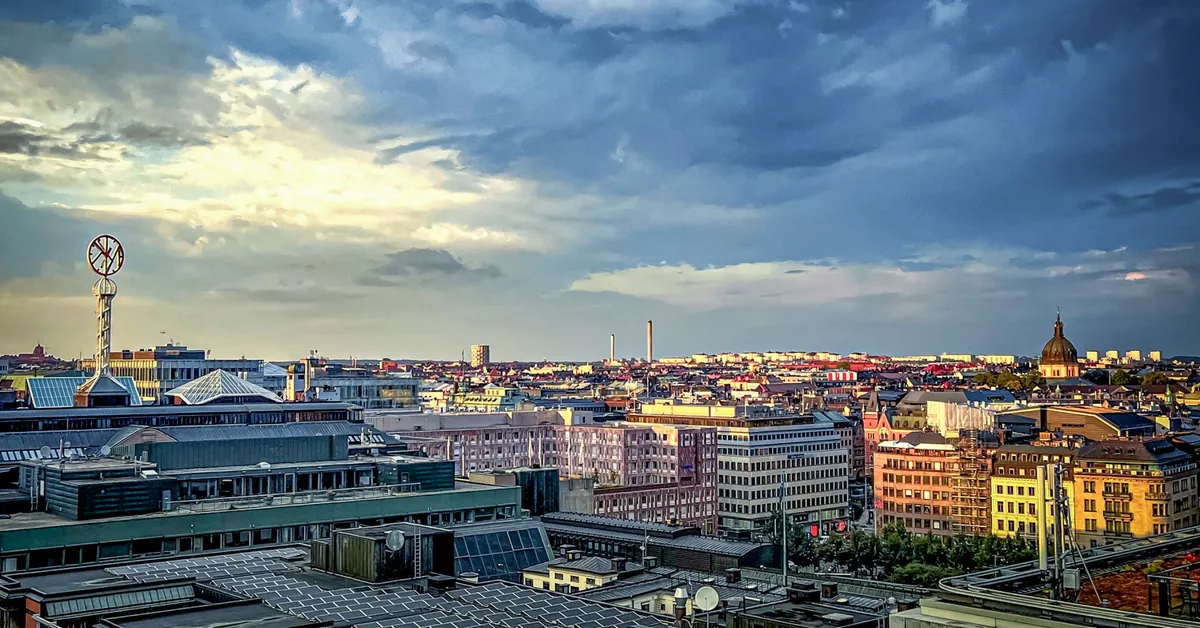
How to use
Add a filter name after a # at the end of your image URL.
Markup


Styles
/* Image filters | robertbirming.com */
img[src*="#sepia"] {
  filter: sepia(1);
}

img[src*="#mono"] {
  filter: grayscale(1);
}

img[src*="#invert"] {
  filter: invert(1);
}

img[src*="#fade"] {
  filter: grayscale(0.2) brightness(1.1) contrast(0.85) saturate(0.8);
}

img[src*="#warm"] {
  filter: saturate(1.3) brightness(1.05) hue-rotate(-10deg);
}

img[src*="#cool"] {
  filter: saturate(0.7) hue-rotate(45deg) brightness(1.08);
}

img[src*="#noir"] {
  filter: grayscale(1) contrast(1.3) brightness(0.9);
}

img[src*="#haze"] {
  filter: brightness(1.15) contrast(0.8) saturate(0.7);
}

img[src*="#dusk"] {
  filter: brightness(0.85) sepia(0.4) saturate(1.2) hue-rotate(-15deg);
}
Hat tip to Stephen for suggesting the hash trick.
Happy blogging, filtered to perfection.
Want more? Check out all available Bearming add-ons.
Built for the Bearming theme. Using a different theme? Add the Bearming tokens to make them work with your setup.↩