Photo calendar
Show your photos by date, as a monthly calendar.1
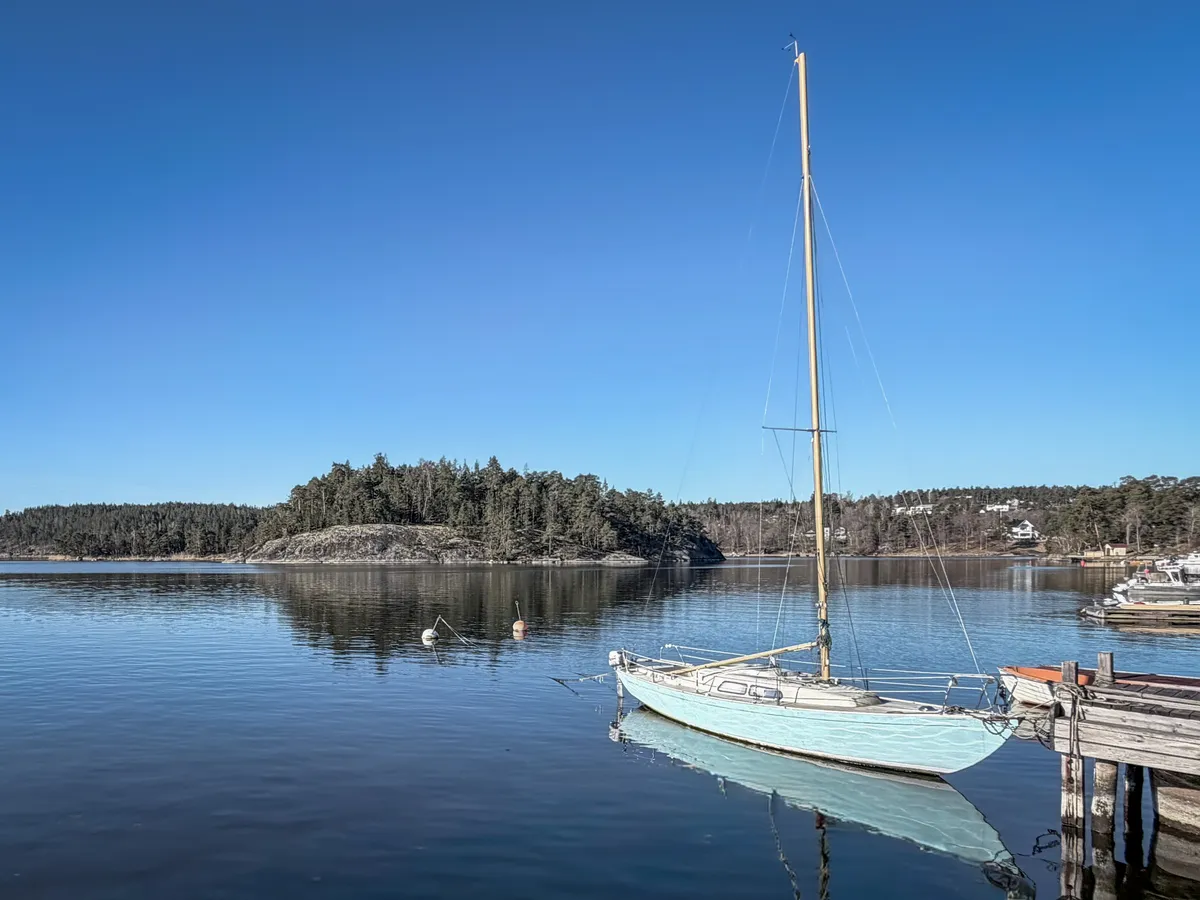
Each month gets its own page, with a photo on every day you took one. The photos get a tinted look that lights up on hover, and a click opens them full size. Inspired by CalenBear.
Preview
← MarchApril 2026May →
MoTuWeThFrSaSu
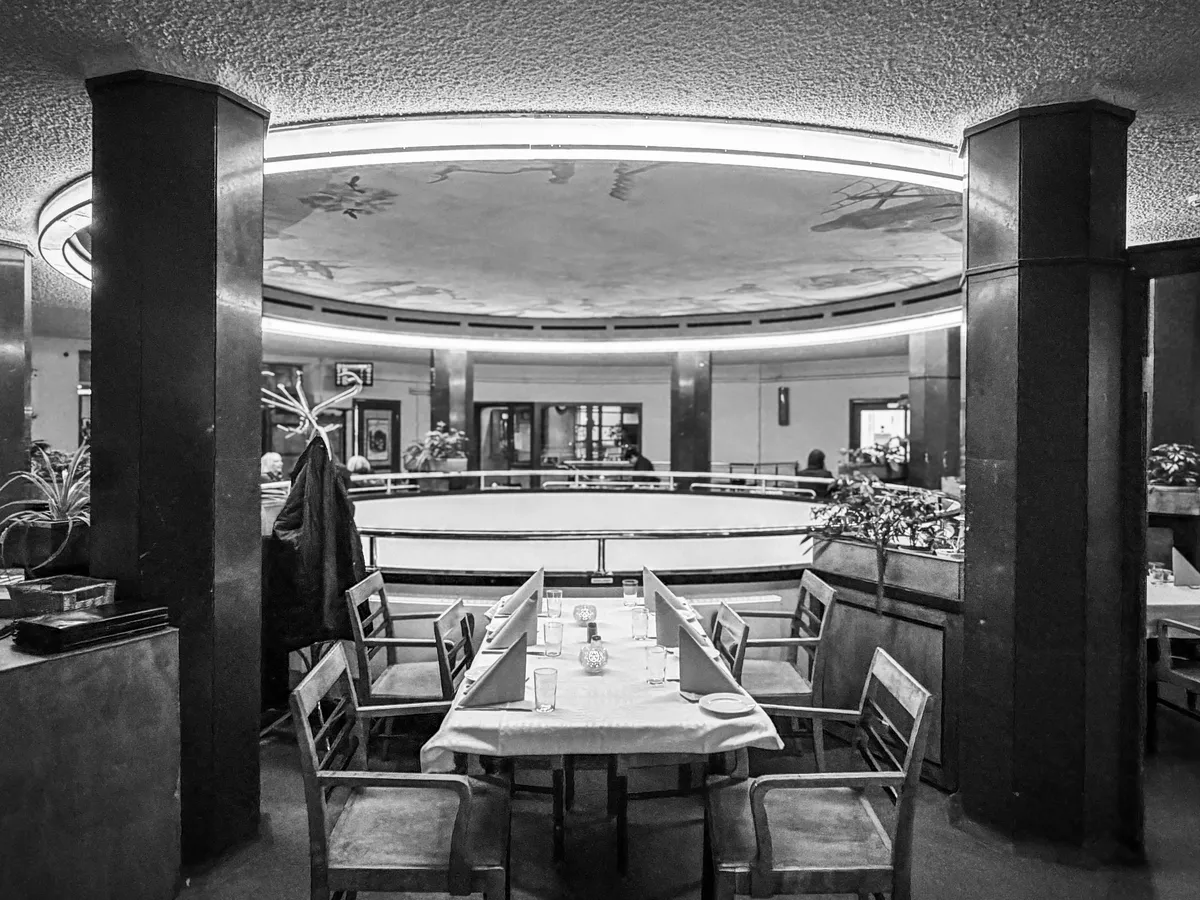
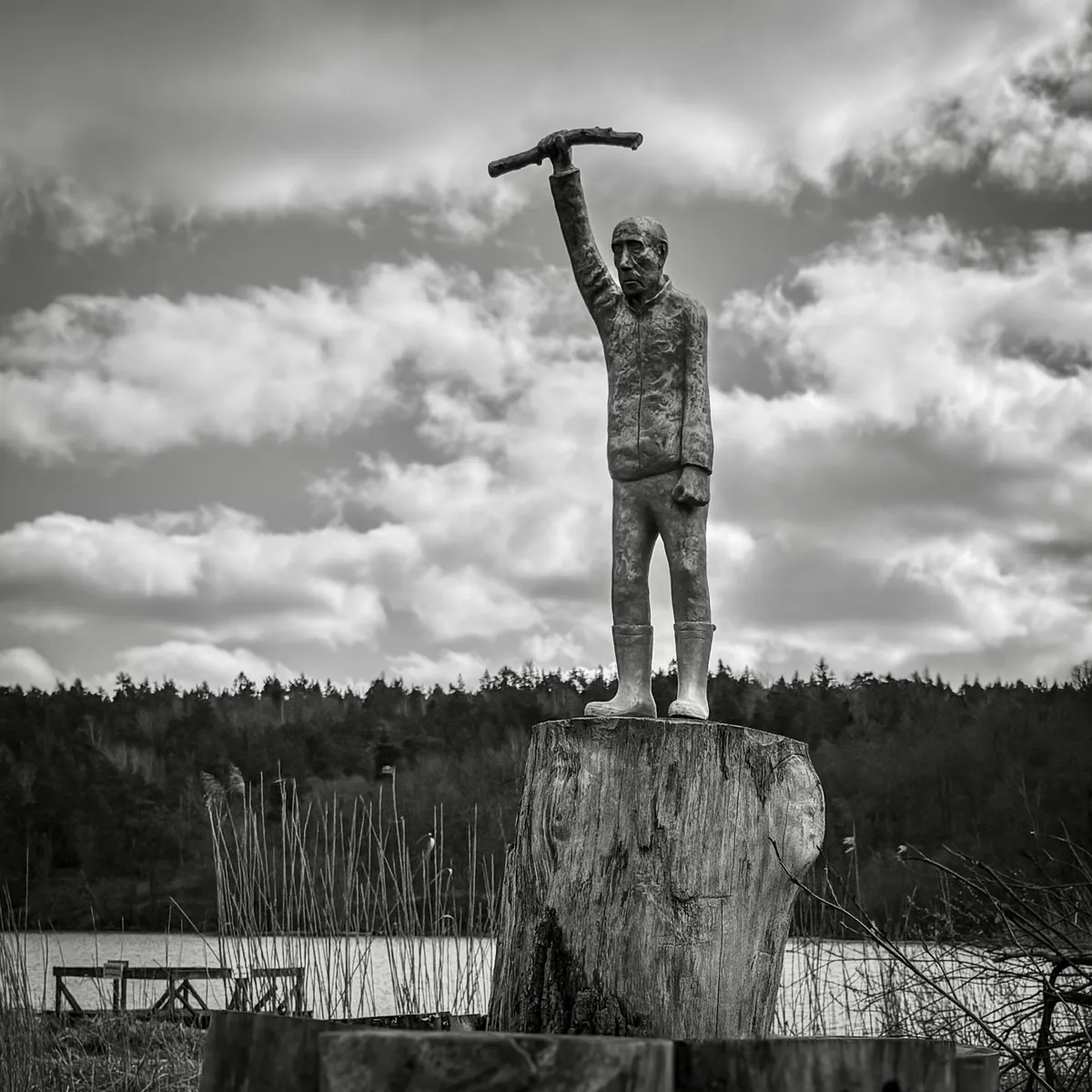
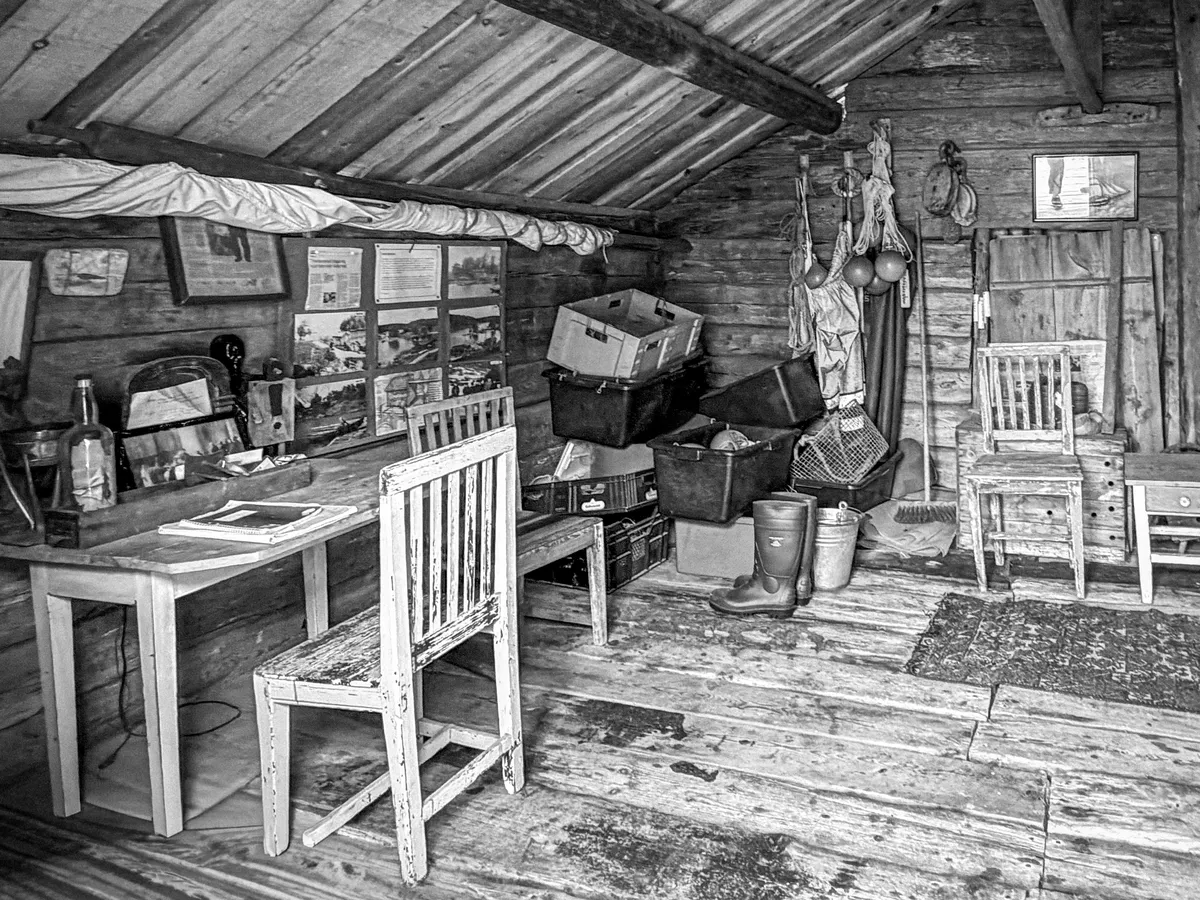
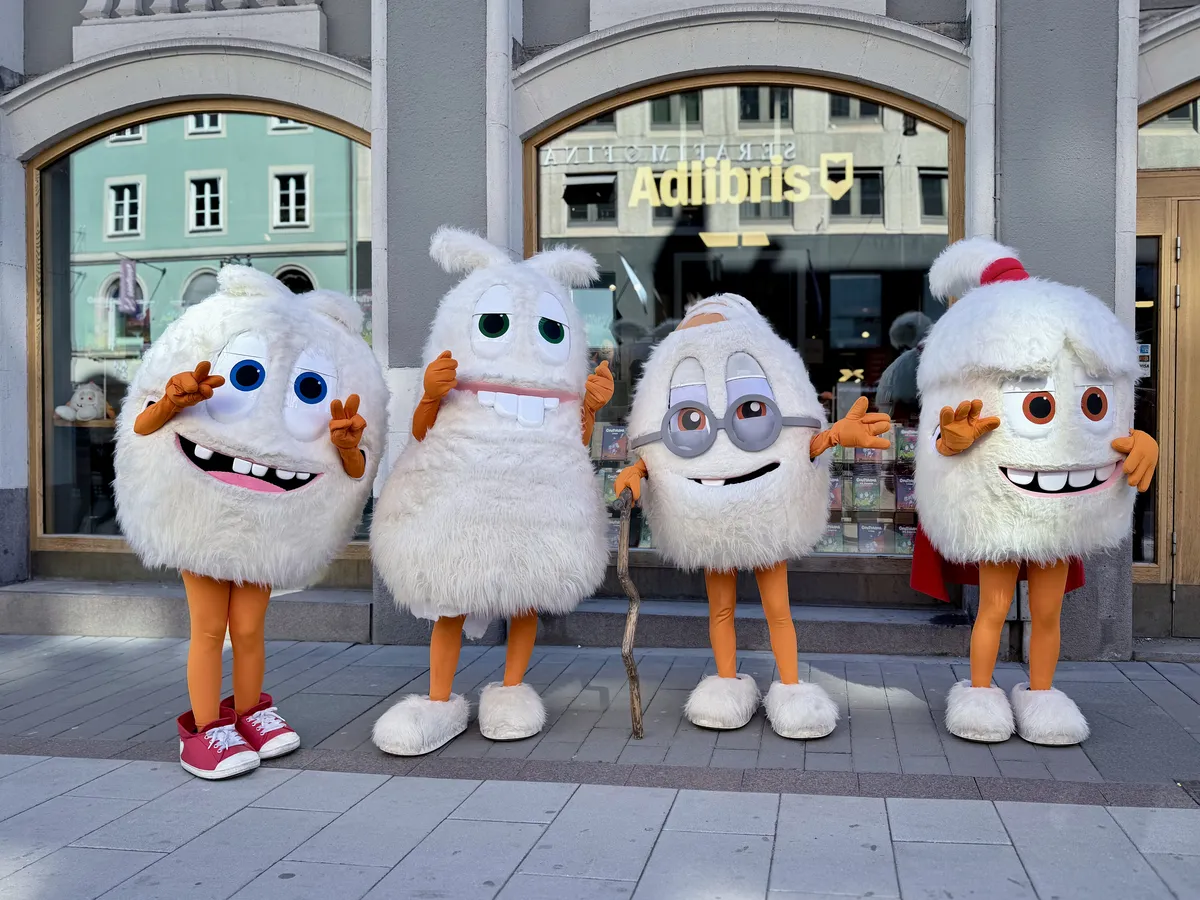
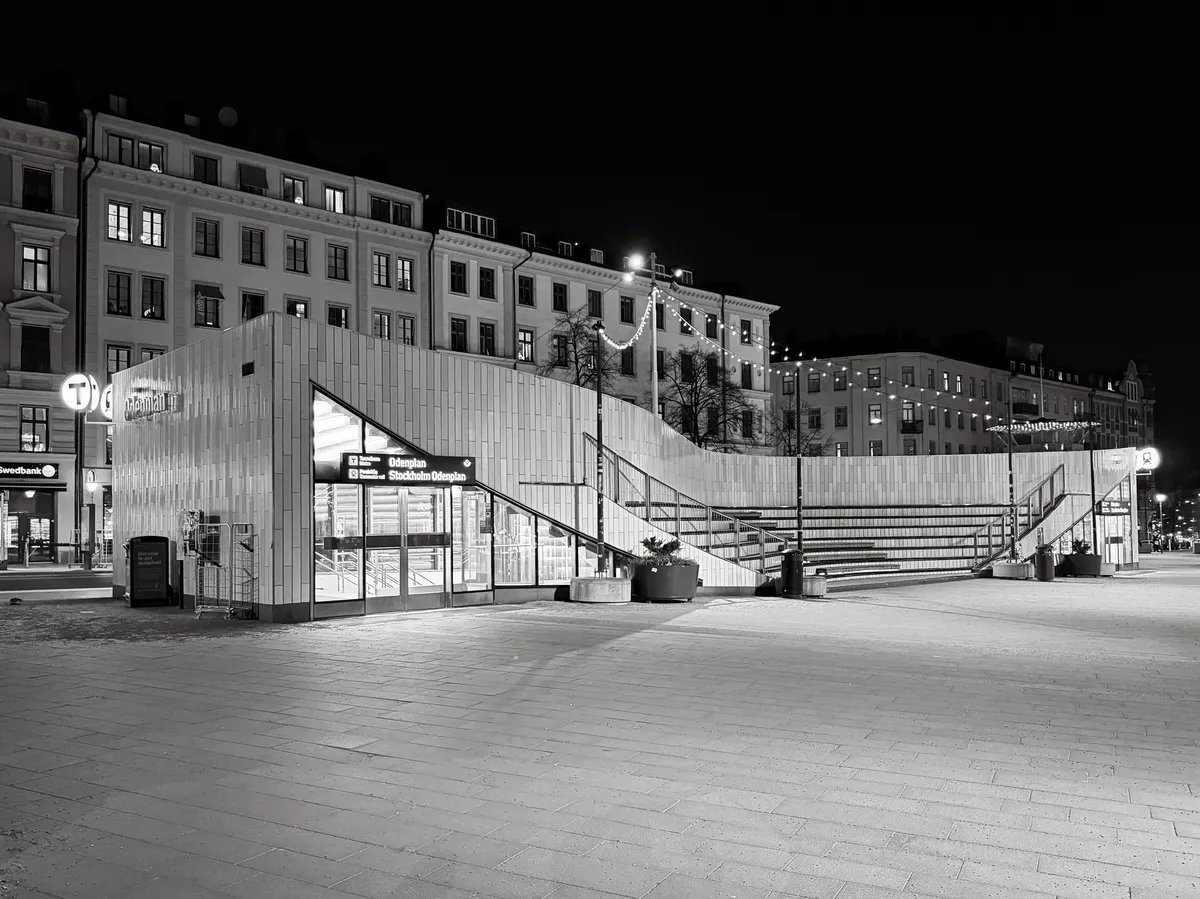
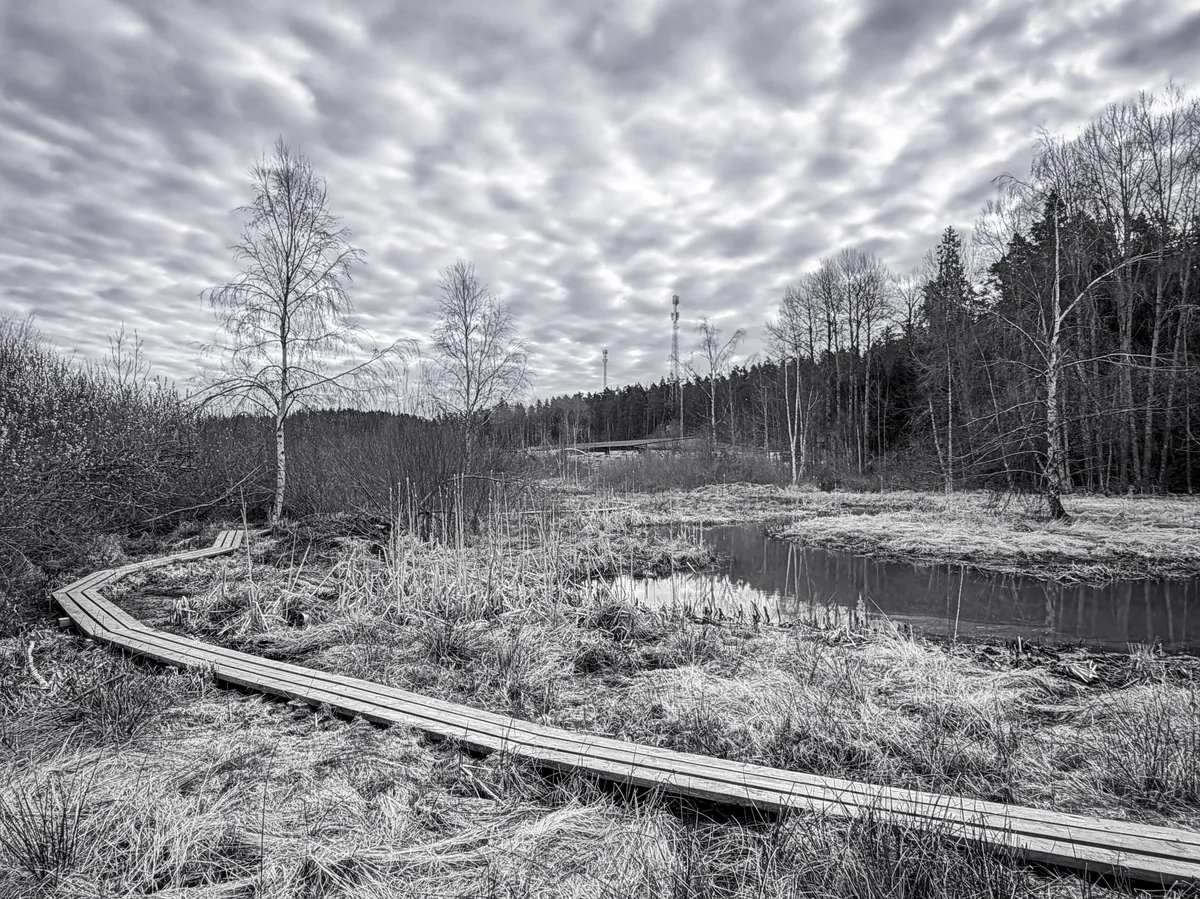
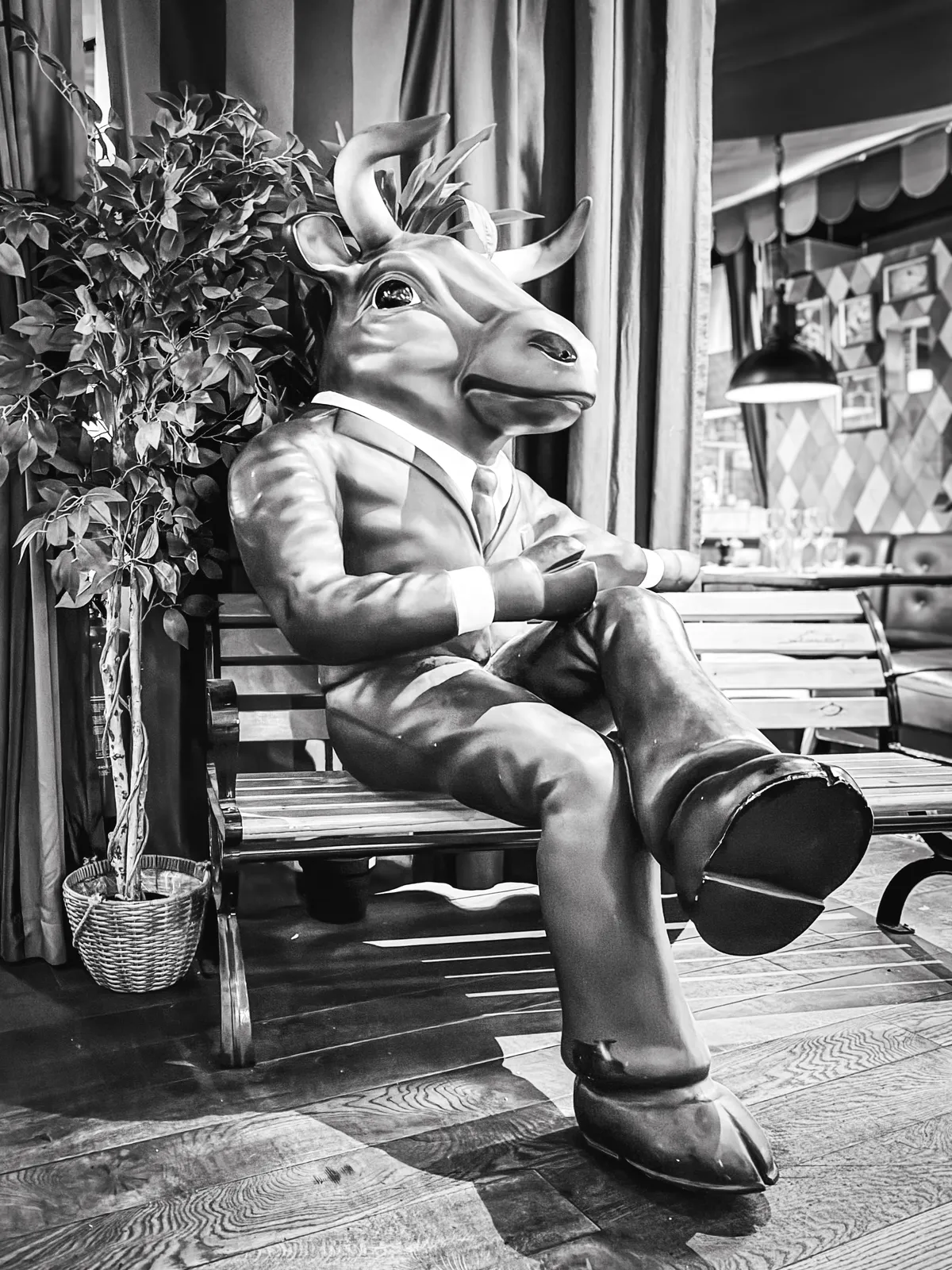
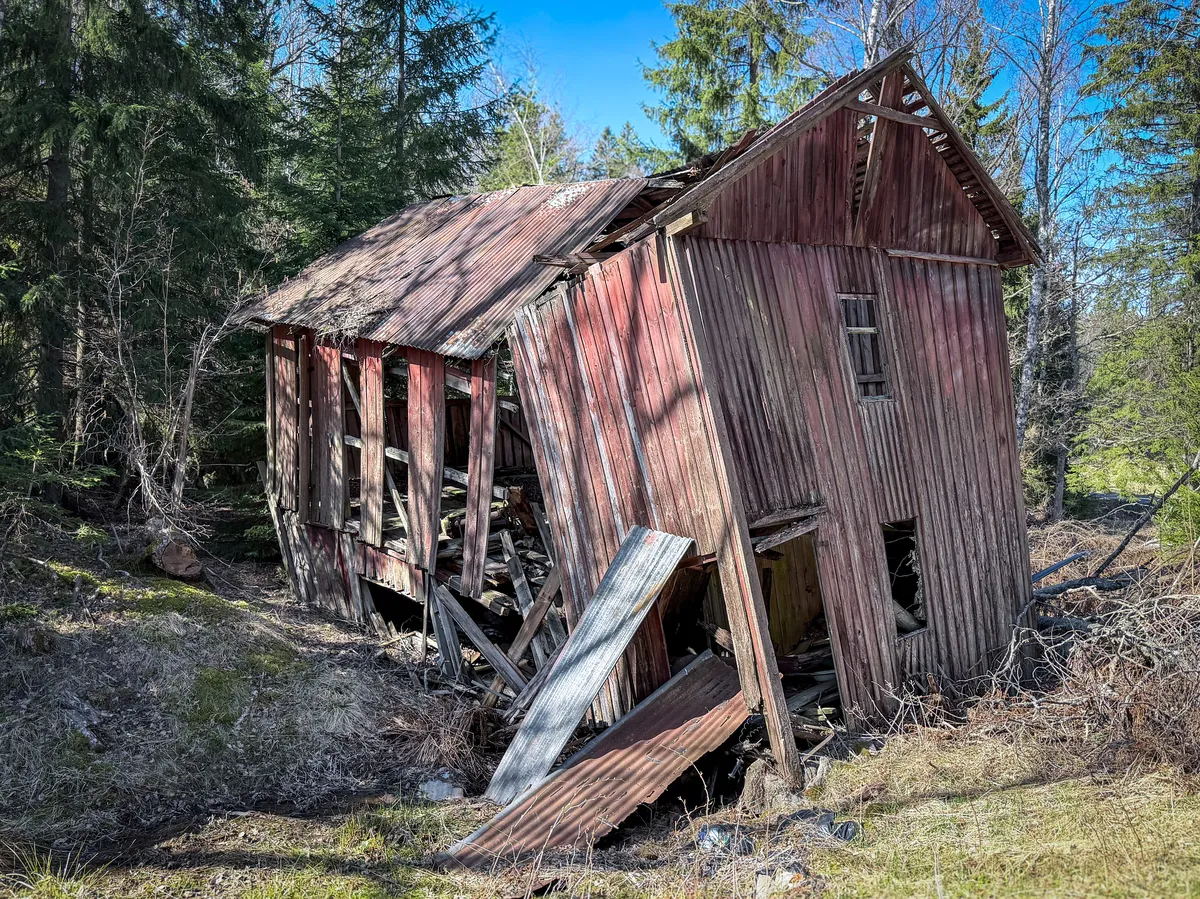
How to use
Add the markup below to each monthly page, then add the styles to your theme. The lightbox script is optional. Without it, a click opens the photo on its own.
- First day: set
--startto the weekday the month starts on (1 = Monday, 7 = Sunday). - Days: one list item per day of the month. Leave a day empty, or add a linked photo.
- Navigation: for a month with no previous or next page, write the label as plain text and it dims automatically.
Markup
<div class="photo-cal-nav">
<span>[← March](/march-2026/)</span><span>April 2026</span><span>May →</span>
</div>
<div class="photo-cal" style="--start: 3">
<div class="photo-cal-head"><span>Mo</span><span>Tu</span><span>We</span><span>Th</span><span>Fr</span><span>Sa</span><span>Su</span></div>
1.
2. [](image-url)
3.
...
30.
</div>
Script
<script>
/* Photo calendar lightbox | robertbirming.com */
(() => {
  const links = [...document.querySelectorAll(".photo-cal li a")].filter((a) => a.querySelector("img"));
  if (!links.length || !window.HTMLDialogElement) return;

  const dialog = document.createElement("dialog");
  dialog.className = "photo-cal-lightbox";
  dialog.setAttribute("aria-label", "Photo");
  const photo = document.createElement("img");
  dialog.append(photo);
  document.body.append(dialog);

  links.forEach((link) => {
    link.addEventListener("click", (event) => {
      // Let modified clicks open the photo in a new tab as usual
      if (event.button !== 0 || event.metaKey || event.ctrlKey || event.shiftKey || event.altKey) return;
      event.preventDefault();
      const thumb = link.querySelector("img");
      photo.src = link.href;
      photo.alt = thumb.alt;
      dialog.showModal();
    });
  });

  // Click anywhere to close. Escape closes too, built into dialogs.
  dialog.addEventListener("click", () => dialog.close());
  dialog.addEventListener("close", () => photo.removeAttribute("src"));
})();
</script>
Styles
/* Photo calendar | robertbirming.com */
.photo-cal-nav {
  margin-block-end: 0.5rem;
  font-size: 0.75rem;
  font-weight: 700;
  font-family: ui-monospace, monospace;
  color: color-mix(in srgb, var(--text-color), transparent 40%);
  text-transform: uppercase;
  letter-spacing: 0.05em;
}

.photo-cal-nav p {
  display: flex;
  justify-content: space-between;
  align-items: center;
  width: 100%;
  margin: 0;
}

.photo-cal-nav a {
  color: color-mix(in srgb, var(--text-color), transparent 40%);
  text-decoration: none;
}

@media (hover: hover) {
  .photo-cal-nav a:hover {
    color: var(--link-color);
  }
}

.photo-cal-nav span:first-child:not(:has(a)),
.photo-cal-nav span:last-child:not(:has(a)) {
  opacity: 0.4;
}

.photo-cal-head {
  display: grid;
  grid-template-columns: repeat(7, 1fr);
  border: 1px solid color-mix(in srgb, var(--text-color), transparent 85%);
  border-radius: 6px 6px 0 0;
  overflow: hidden;
}

.photo-cal-head span {
  padding-block: 0.5em;
  font-size: 0.65rem;
  font-weight: 700;
  font-family: ui-monospace, monospace;
  color: color-mix(in srgb, var(--text-color), transparent 40%);
  text-align: center;
  text-transform: uppercase;
  letter-spacing: 0.05em;
  background-color: var(--code-background-color);
  border-inline-end: 1px solid color-mix(in srgb, var(--text-color), transparent 85%);
}

.photo-cal-head span:last-child {
  border-inline-end: none;
}

.photo-cal ol {
  margin: 0;
  display: grid;
  grid-template-columns: repeat(7, 1fr);
  padding: 0;
  list-style: none;
  counter-reset: day;
  border: 1px solid color-mix(in srgb, var(--text-color), transparent 85%);
  border-block-start: none;
  border-radius: 0 0 6px 6px;
  overflow: hidden;
}

.photo-cal li {
  position: relative;
  aspect-ratio: 1;
  margin: 0;
  background-color: var(--background-color);
  border-inline-start: 1px solid color-mix(in srgb, var(--text-color), transparent 85%);
  border-block-end: 1px solid color-mix(in srgb, var(--text-color), transparent 85%);
  overflow: hidden;
  counter-increment: day;
}

@media (prefers-color-scheme: dark) {
  .photo-cal li {
    background-color: color-mix(in srgb, var(--link-color) 12%, var(--background-color));
  }
}

.photo-cal li:last-child {
  border-inline-end: 1px solid color-mix(in srgb, var(--text-color), transparent 85%);
}

.photo-cal li:nth-last-child(-n+7):nth-child(7n+1),
.photo-cal li:nth-last-child(-n+7) ~ li,
.photo-cal li:last-child {
  border-block-end: none;
}

.photo-cal li:first-child {
  grid-column-start: var(--start, 1);
}

.photo-cal li::after {
  content: counter(day);
  position: absolute;
  inset-block-start: 0.5em;
  inset-inline-start: 0.5em;
  font-size: 0.6rem;
  font-weight: 700;
  font-family: ui-monospace, monospace;
  color: color-mix(in srgb, var(--text-color), transparent 40%);
  line-height: 1;
  z-index: 1;
  user-select: none;
}

.photo-cal li:has(> p)::after {
  padding: 0.15em 0.3em;
  color: #fff;
  background: rgb(0 0 0 / 0.35);
  border-radius: 2px;
}

.photo-cal li p {
  margin: 0;
  line-height: 0;
}

.photo-cal li a {
  text-decoration: none;
}

.photo-cal li img {
  position: absolute;
  inset: 0;
  width: 100%;
  height: 100%;
  object-fit: cover;
  margin: 0;
  border-radius: 0;
  filter: sepia(0.8) hue-rotate(-10deg) saturate(1.4) brightness(0.85) contrast(1.1);
  transition: transform 0.3s ease, filter 0.4s ease;
}

@media (prefers-color-scheme: dark) {
  .photo-cal li img {
    filter: sepia(0.8) hue-rotate(180deg) saturate(1.2) brightness(0.7) contrast(1.15);
  }
}

@media (hover: hover) {
  .photo-cal li:has(img):hover img {
    transform: scale(1.05);
    filter: saturate(1) brightness(1) contrast(1);
  }
}

@media (prefers-reduced-motion: reduce) {
  .photo-cal li img {
    transition: none;
  }
}

/* Lightbox */
.photo-cal-lightbox {
  max-width: 90vw;
  max-height: 90vh;
  padding: 0;
  background: none;
  border: 0;
  cursor: zoom-out;
}

.photo-cal-lightbox::backdrop {
  background: rgb(0 0 0 / 0.85);
}

.photo-cal-lightbox img {
  display: block;
  max-width: 90vw;
  max-height: 90vh;
  margin: 0;
  object-fit: contain;
  border-radius: 4px;
  filter: none;
}
Happy blogging, one day at a time.
Want more? Check out the full Bear Blog library.
The lightbox requires JavaScript, available on Bear Blog's premium plan.↩