Lightbox photo gallery
A photo gallery with a built-in lightbox for browsing images in a larger view. The gallery grid works without any scripting — the lightbox effect requires a small footer script.1
Preview
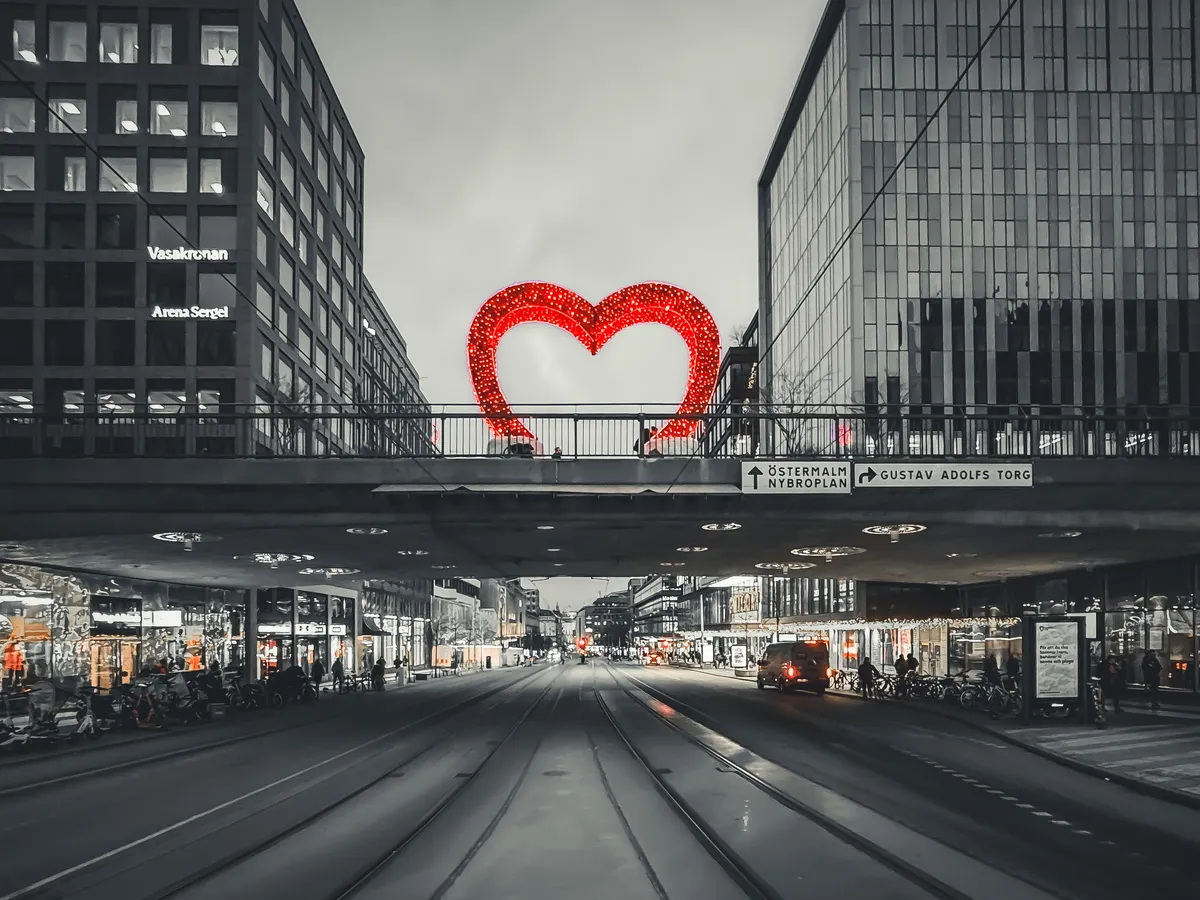
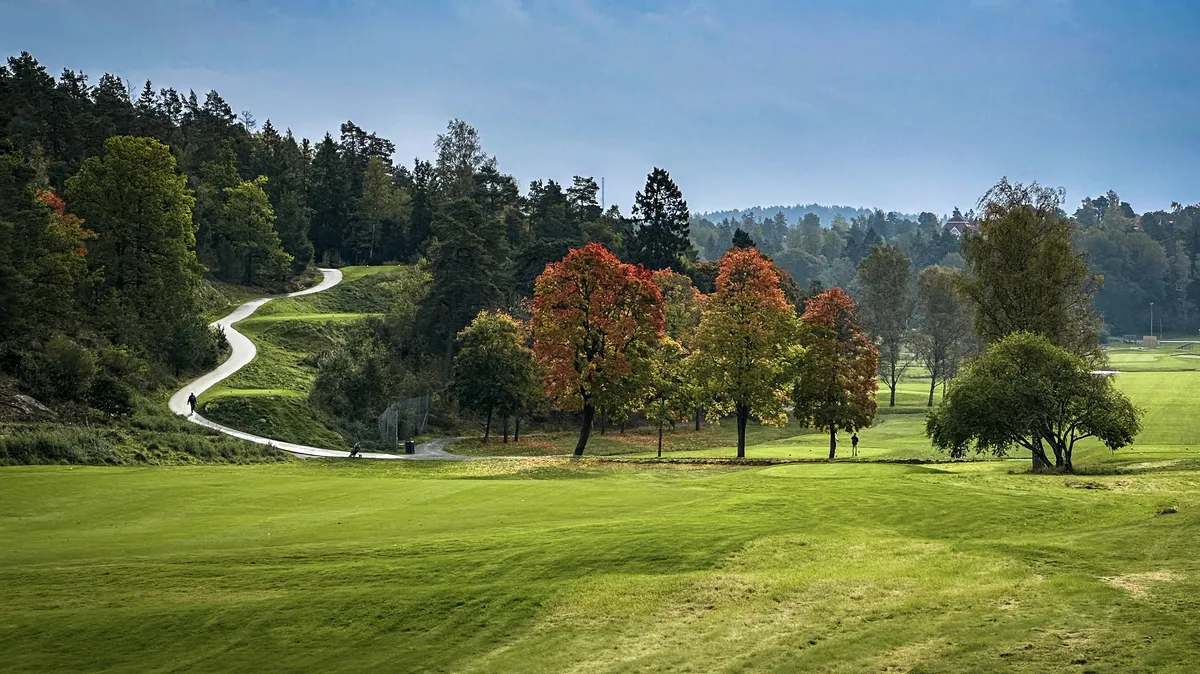
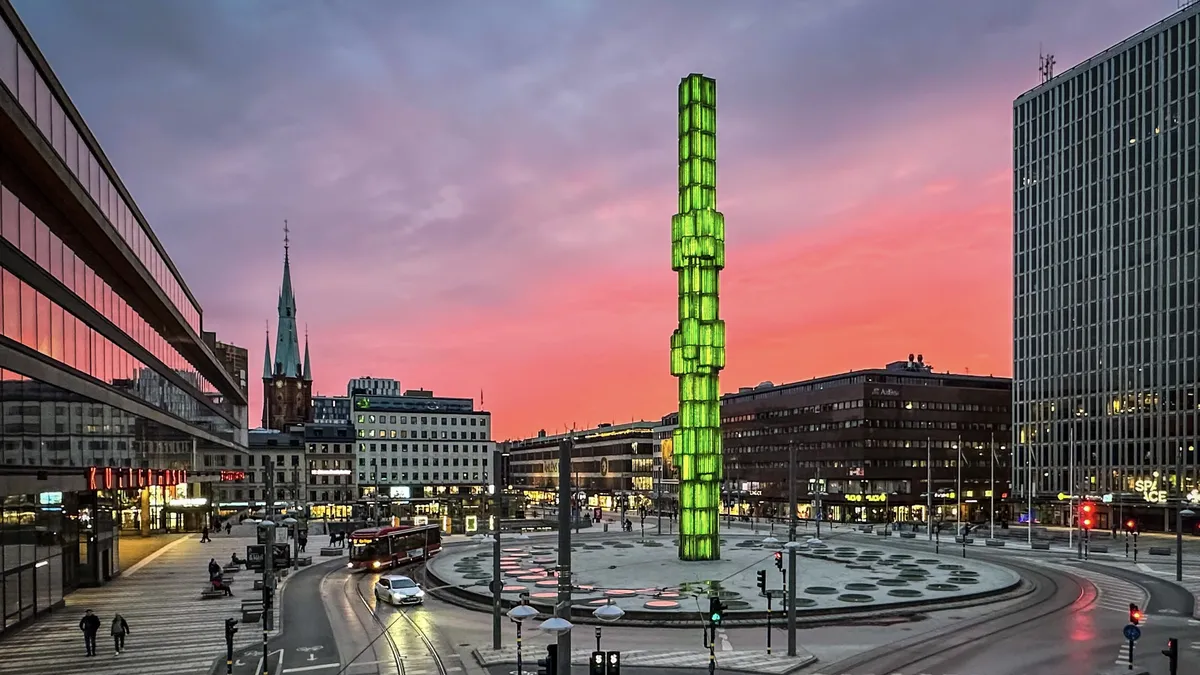
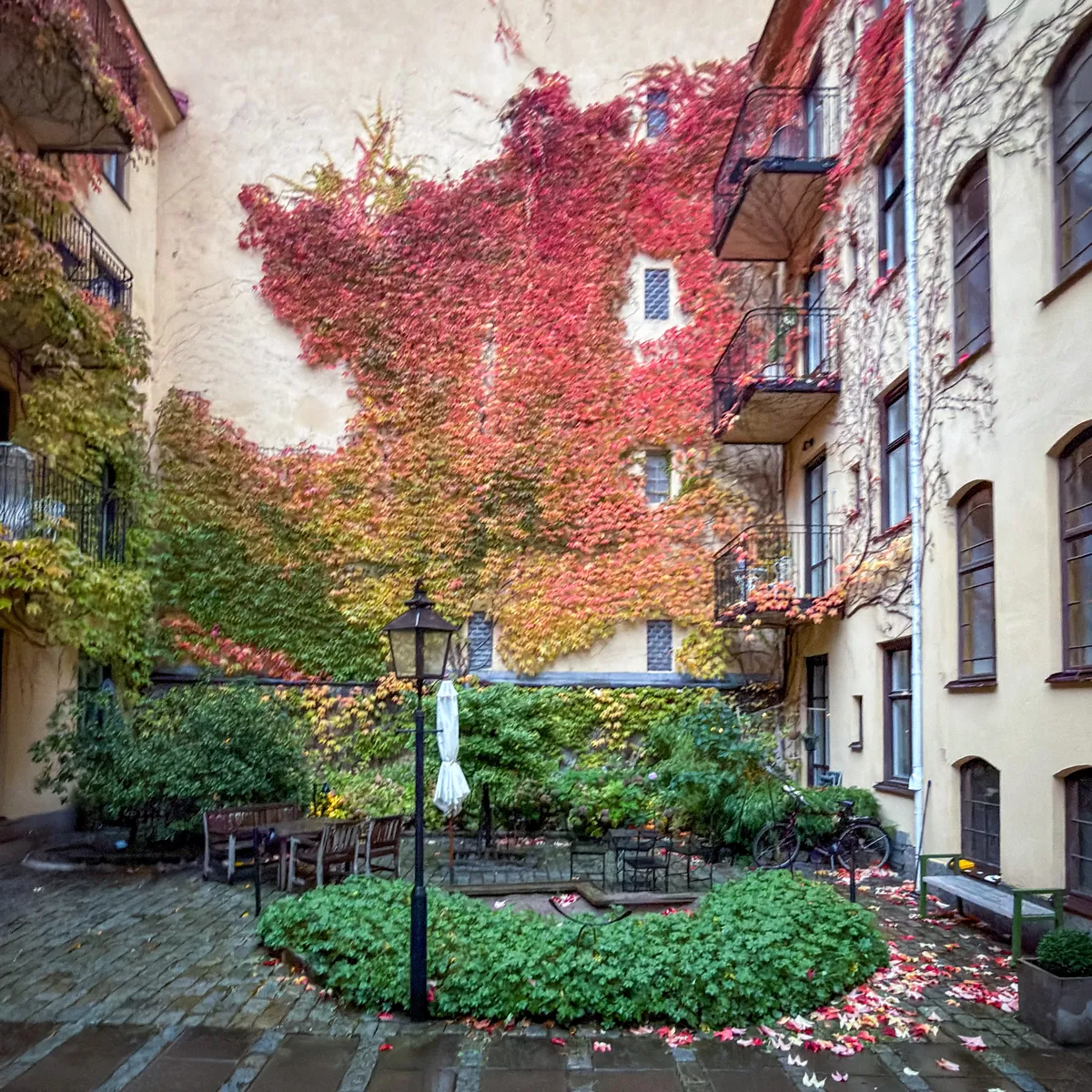

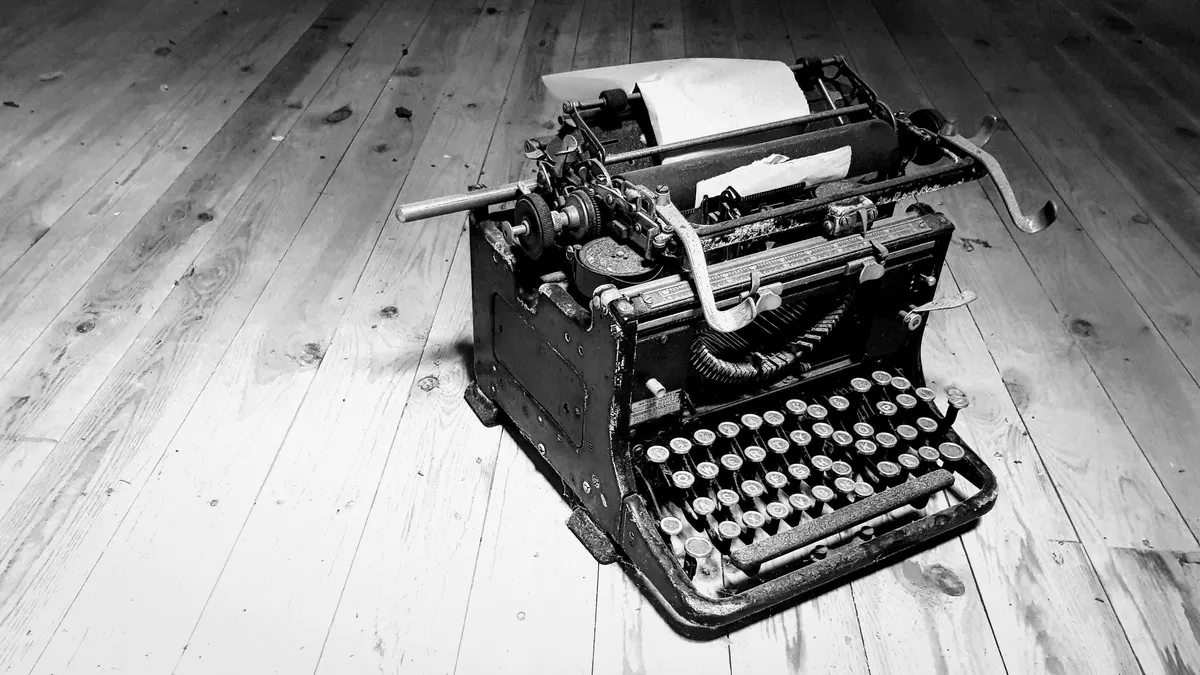
Navigate with keyboard or mouse/touch:
- Click an image to open it
- Click right side of the screen for next, left side for previous
- Arrow keys work too (
←→, orAD) - Press Escape to close
You can adjust the image ratio in the CSS by changing the aspect-ratio value (e.g. 1 / 1 for square, 16 / 9 for cinematic).
How to use
Markup
<div class="bear-gallery">


</div>
Installation
- Copy the script below and paste it into your Bear footer.
- Copy the styles into your theme.
- Add some photos and enjoy.
Script
<script>
document.addEventListener('DOMContentLoaded', function () {
  if (window.__bearGalleryLightbox) return
  window.__bearGalleryLightbox = true

  const thumbs = Array.from(document.querySelectorAll('.bear-gallery img'))
  if (!thumbs.length) return

  thumbs.forEach(function (img) {
    if (!img.hasAttribute('tabindex')) img.setAttribute('tabindex', '0')
    if (!img.hasAttribute('role')) img.setAttribute('role', 'button')
    if (!img.hasAttribute('aria-label')) {
      const label = img.alt ? `Open image: ${img.alt}` : 'Open image'
      img.setAttribute('aria-label', label)
    }
  })

  const overlay = document.createElement('div')
  overlay.className = 'bear-gallery-lightbox'
  overlay.setAttribute('role', 'dialog')
  overlay.setAttribute('aria-modal', 'true')
  overlay.setAttribute('aria-hidden', 'true')
  overlay.tabIndex = -1

  overlay.innerHTML = `
    <button class="bear-gallery-close" type="button" aria-label="Close image">Close</button>
    <img alt="">
  `

  document.body.appendChild(overlay)

  const overlayImg = overlay.querySelector('img')
  const closeBtn = overlay.querySelector('.bear-gallery-close')

  let currentIndex = -1
  let lastActiveEl = null
  let isLocked = false
  let prevHtmlOverflow = ''
  let prevBodyOverflow = ''

  function showOverlay() {
    overlay.classList.add('is-open')
    overlay.setAttribute('aria-hidden', 'false')
  }

  function hideOverlay() {
    overlay.classList.remove('is-open')
    overlay.setAttribute('aria-hidden', 'true')
  }

  function lockScroll() {
    if (isLocked) return
    prevHtmlOverflow = document.documentElement.style.overflow || ''
    prevBodyOverflow = document.body.style.overflow || ''
    document.documentElement.style.overflow = 'hidden'
    document.body.style.overflow = 'hidden'
    isLocked = true
  }

  function unlockScroll() {
    if (!isLocked) return
    document.documentElement.style.overflow = prevHtmlOverflow
    document.body.style.overflow = prevBodyOverflow
    isLocked = false
  }

  function updateImage(index) {
    const total = thumbs.length
    currentIndex = ((index % total) + total) % total

    const img = thumbs[currentIndex]
    overlayImg.src = img.currentSrc || img.src
    overlayImg.alt = img.alt || ''
    overlay.setAttribute('aria-label', `Image ${currentIndex + 1} of ${total}`)
  }

  function openAt(index) {
    if (currentIndex === -1) {
      lastActiveEl = document.activeElement
      lockScroll()
      showOverlay()
      overlay.focus({ preventScroll: true })
    }
    updateImage(index)
  }

  function closeLightbox(opts) {
    if (currentIndex === -1) return

    hideOverlay()
    overlayImg.src = ''
    currentIndex = -1
    unlockScroll()

    const skipFocus = opts && opts.skipFocus
    if (!skipFocus && lastActiveEl && typeof lastActiveEl.focus === 'function') {
      lastActiveEl.focus({ preventScroll: true })
    }
    lastActiveEl = null
  }

  function showNext(step) {
    if (currentIndex === -1) return
    updateImage(currentIndex + step)
  }

  thumbs.forEach(function (img, index) {
    img.addEventListener('click', function () {
      openAt(index)
    })

    img.addEventListener('keydown', function (event) {
      if (event.key === 'Enter' || event.key === ' ') {
        event.preventDefault()
        openAt(index)
      }
    })
  })

  closeBtn.addEventListener('click', function (event) {
    event.preventDefault()
    closeLightbox()
  })

  overlayImg.addEventListener('click', function () {
    closeLightbox()
  })

  overlay.addEventListener('click', function (event) {
    if (event.target !== overlay) return

    const x = event.clientX
    const left = window.innerWidth * 0.33
    const right = window.innerWidth * 0.67

    if (x < left) showNext(-1)
    else if (x > right) showNext(1)
    else closeLightbox()
  })

  document.addEventListener('keydown', function (event) {
    if (currentIndex === -1) return

    if (event.key === 'Escape') closeLightbox()
    else if (event.key === 'ArrowRight' || event.key === 'd' || event.key === 'D') showNext(1)
    else if (event.key === 'ArrowLeft' || event.key === 'a' || event.key === 'A') showNext(-1)
  })

  window.addEventListener('pagehide', function () {
    closeLightbox({ skipFocus: true })
  })

  window.addEventListener('pageshow', function () {
    unlockScroll()
    hideOverlay()
    overlayImg.src = ''
    currentIndex = -1
    lastActiveEl = null
  })

  document.addEventListener('visibilitychange', function () {
    if (document.visibilityState !== 'visible') closeLightbox({ skipFocus: true })
  })
}, { once: true })
</script>
Styles
/* Lightbox photo gallery | robertbirming.com */
.bear-gallery {
  margin-block: var(--space-block);
  display: grid;
  grid-template-columns: repeat(auto-fill, minmax(9rem, 1fr));
  gap: 0.6rem;
}

.bear-gallery > p {
  margin: 0;
  display: contents;
}

.bear-gallery a {
  display: block;
}

/* Thumbnails */
.bear-gallery img {
  display: block;
  width: 100%;
  height: auto;
  margin: 0;
  aspect-ratio: 4 / 3;
  object-fit: cover;
  border-radius: var(--radius);
  cursor: pointer;
  user-select: none;
  -webkit-user-drag: none;
  transition: transform 0.15s ease;
}

@media (hover: hover) {
  .bear-gallery img:hover {
    transform: scale(1.03);
  }
}

.bear-gallery img:focus-visible {
  outline: 2px solid currentColor;
  outline-offset: 3px;
}

@media (min-width: 900px) {
  .bear-gallery {
    grid-template-columns: repeat(auto-fill, minmax(10rem, 1fr));
  }
}

/* Lightbox overlay */
.bear-gallery-lightbox {
  position: fixed;
  inset: 0;
  z-index: 9999;
  display: grid;
  place-items: center;
  padding: 1.25rem;
  background: rgba(0, 0, 0, 0.86);
  opacity: 0;
  pointer-events: none;
  transition: opacity 0.15s ease;
}

.bear-gallery-lightbox.is-open {
  opacity: 1;
  pointer-events: auto;
}

/* The large image */
.bear-gallery-lightbox img {
  display: block;
  max-width: min(100%, 68.75rem);
  max-height: 88vh;
  width: auto;
  height: auto;
  border-radius: calc(var(--radius) * 2);
  box-shadow: 0 12px 40px rgba(0, 0, 0, 0.45);
  cursor: zoom-out;
  image-rendering: auto;
}

/* Close button */
.bear-gallery-close {
  position: absolute;
  inset-block-start: 0.9rem;
  inset-inline-end: 0.9rem;
  padding: 0.35em 0.75em;
  border-radius: 999px;
  font: inherit;
  font-size: var(--font-small);
  line-height: 1.2;
  color: #fff;
  background: rgba(0, 0, 0, 0.55);
  border: 1px solid rgba(255, 255, 255, 0.35);
  cursor: pointer;
}

@media (hover: hover) {
  .bear-gallery-close:hover {
    border-color: rgba(255, 255, 255, 0.6);
    background: rgba(0, 0, 0, 0.7);
  }
}

.bear-gallery-close:focus {
  outline: none;
}

.bear-gallery-close:focus-visible {
  border-color: rgba(255, 255, 255, 0.8);
  box-shadow: 0 0 0 3px rgba(255, 255, 255, 0.22);
}

/* Respect reduced motion */
@media (prefers-reduced-motion: reduce) {
  .bear-gallery-lightbox,
  .bear-gallery img {
    transition: none;
  }
}
Want more? Check out all available Bearming add-ons.
Happy blogging, picture by picture.
Built for the Bearming theme. Using a different theme? Add the Bearming tokens to make them work with your setup.↩