Lightbox photo gallery
A photo grid that works on any Bear blog, with an optional lightbox for viewing photos in a larger view.
Write your images in Markdown and they line up in a neat grid. No HTML, no scripts. Add the lightbox script, and clicking a photo opens it in an in-page viewer with captions, keyboard navigation and swiping.1
Preview

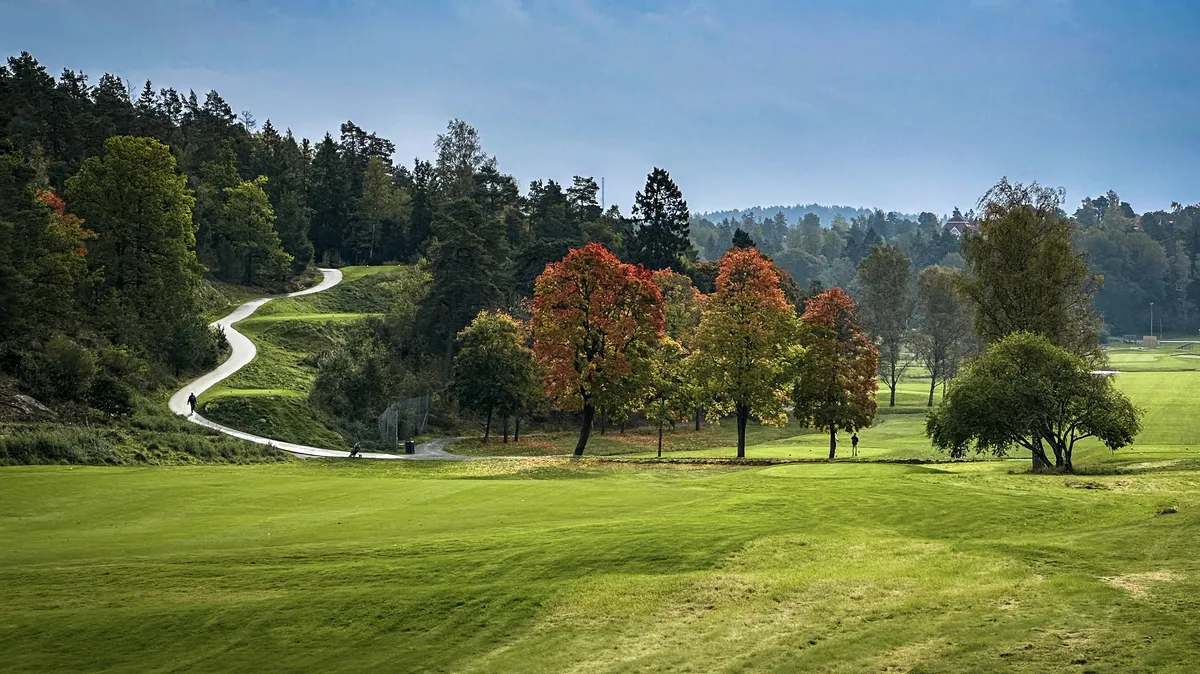
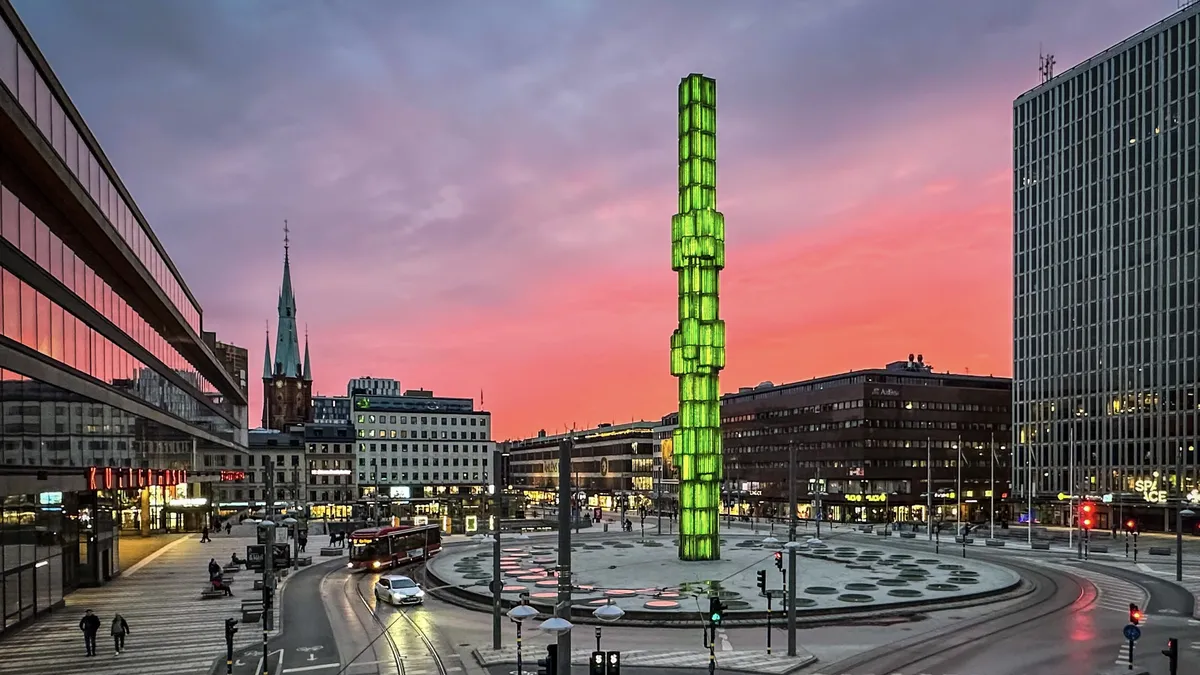
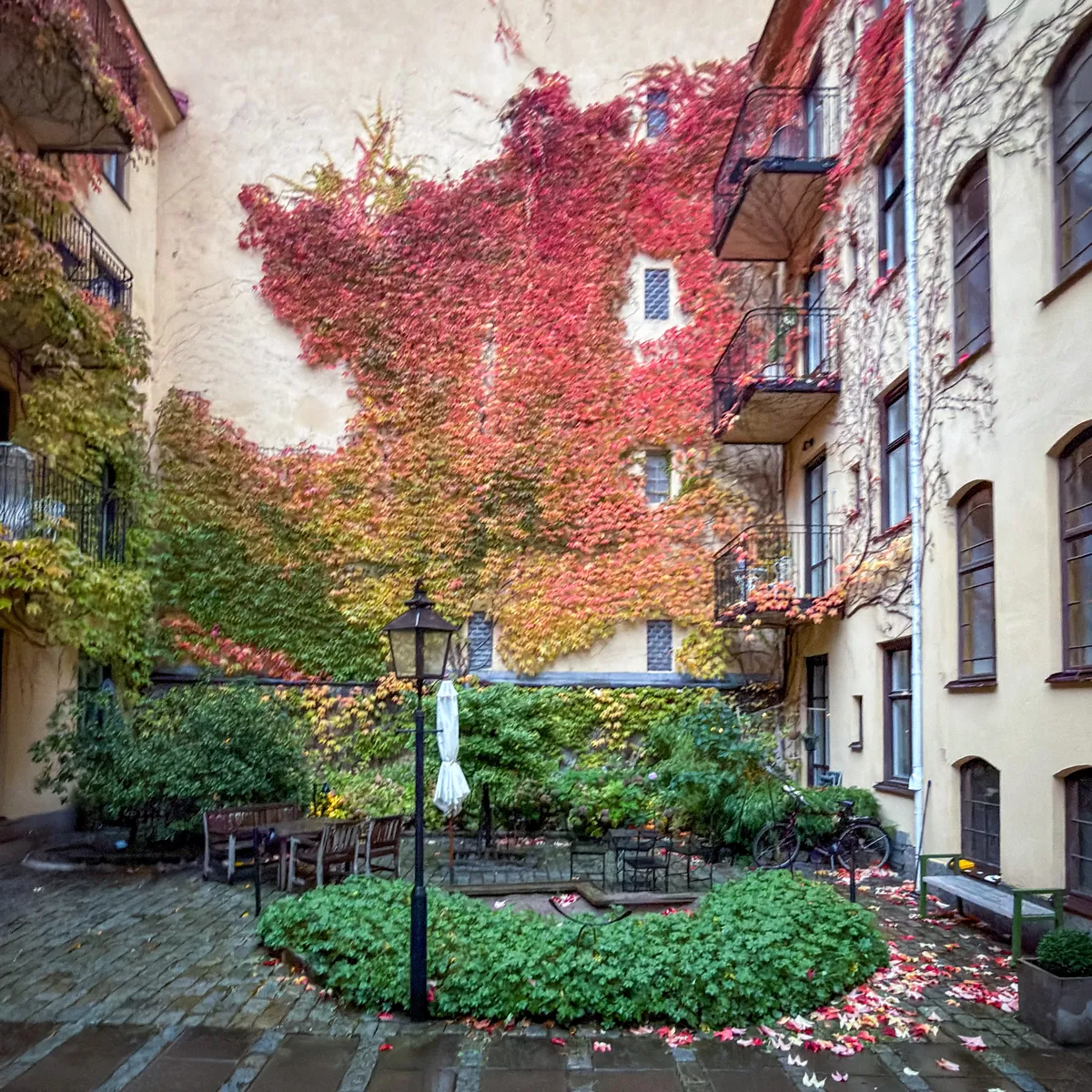


With the lightbox:
- Click a photo to open it
- Arrow keys (
←→) or the side buttons move between photos - Swipe left or right on touch screens
- Press Escape or click outside the photo to close
The alt text doubles as the caption in the lightbox.
How to use
Markup
Put your images on consecutive lines, each ending in #gallery:


- Leave a blank line above and below the gallery.
- A blank line between images starts a new gallery. Each gallery is browsed on its own in the lightbox.
Not using the lightbox? Link each photo to its full size, so it opens in the browser on click:
[](image-url.webp)
Using the Media tools dashboard plugin? Its Copy as gallery button writes the linked version for you, which works with or without the lightbox.
Customize
Two settings at the top of the gallery styles:
--gallery-minis the smallest thumbnail width. Raise it for fewer, larger photos per row.--gallery-ratiois the thumbnail shape, like1 / 1for square or16 / 9for cinematic. The lightbox always shows the full photo, uncropped.
Installation
- Copy the gallery styles into your theme.
- For the lightbox, also copy the lightbox styles into your theme and paste the script into your Bear footer.
- Add some photos and enjoy.
Gallery styles
/* Photo gallery */
p:has(> img[src$="#gallery"], > a > img[src$="#gallery"]) {
  --gallery-min: 9rem;
  --gallery-ratio: 4 / 3;

  display: grid;
  grid-template-columns: repeat(auto-fill, minmax(min(var(--gallery-min), 100%), 1fr));
  gap: var(--space-xs, 0.5rem);
}

p:has(> img[src$="#gallery"], > a > img[src$="#gallery"]) > br {
  display: none;
}

p:has(> img[src$="#gallery"], > a > img[src$="#gallery"]) > a {
  display: block;
  border-radius: var(--radius, 0);
}

p:has(> img[src$="#gallery"], > a > img[src$="#gallery"]) > img,
p:has(> img[src$="#gallery"], > a > img[src$="#gallery"]) > a > img {
  display: block;
  width: 100%;
  height: auto;
  aspect-ratio: var(--gallery-ratio);
  object-fit: cover;
}
Lightbox styles
/* Gallery lightbox */
.lightbox {
  width: 100%;
  max-width: none;
  height: 100%;
  max-height: none;
  margin: 0;
  padding: 3.5rem 1.25rem;
  border: 0;
  outline: none;
  color: #fff;
  background: none;
}

.lightbox[open] {
  display: grid;
  place-items: center;
}

.lightbox::backdrop {
  background-color: rgb(0 0 0 / 0.9);
}

/* No page scrolling behind the lightbox */
:root:has(.lightbox[open]) {
  overflow: hidden;
}

.lightbox figure {
  display: grid;
  justify-items: center;
  gap: 0.75rem;
  margin: 0;
}

.lightbox img {
  display: block;
  width: auto;
  max-width: 100%;
  height: auto;
  max-height: calc(100dvh - 7rem - 3em);
  object-fit: contain;
}

.lightbox figcaption {
  margin: 0;
  font-size: 0.875em;
  text-align: center;
  color: rgb(255 255 255 / 0.75);
}

.lightbox button {
  position: absolute;
  display: grid;
  place-items: center;
  width: 2.75rem;
  height: 2.75rem;
  padding: 0;
  font: inherit;
  font-size: 1.75rem;
  line-height: 1;
  border: 0;
  border-radius: 50%;
  color: #fff;
  background-color: rgb(255 255 255 / 0.1);
  cursor: pointer;
  transition: background-color 150ms ease;
}

.lightbox button[hidden] {
  display: none;
}

@media (hover: hover) {
  .lightbox button:hover {
    background-color: rgb(255 255 255 / 0.2);
  }
}

.lightbox :focus-visible {
  outline: 2px solid #fff;
  outline-offset: 3px;
}

.lightbox-close {
  inset-block-start: 0.75rem;
  inset-inline-end: 0.75rem;
}

.lightbox-prev,
.lightbox-next {
  inset-block-start: 50%;
  translate: 0 -50%;
}

.lightbox-prev {
  inset-inline-start: 0.75rem;
}

.lightbox-next {
  inset-inline-end: 0.75rem;
}

/* Phones swipe instead */
@media (hover: none) {
  .lightbox-prev,
  .lightbox-next {
    display: none;
  }
}
Lightbox script
<!-- Gallery lightbox: opens gallery photos in a larger view -->
<script>
(() => {
/* Unlinked gallery photos get a link to their full size, so they open too */
document.querySelectorAll('main p > img[src$="#gallery"]').forEach((img) => {
const link = document.createElement("a");
link.href = img.src.replace(/#gallery$/, "");
img.replaceWith(link);
link.append(img);
});
/* Skip if there are no gallery photos, or no dialog support */
const images = [...document.querySelectorAll('main a > img[src$="#gallery"]')];
if (!images.length || !window.HTMLDialogElement) return;
/* The lightbox, built once and reused */
const dialog = document.createElement("dialog");
dialog.className = "lightbox";
dialog.autofocus = true;
dialog.innerHTML = `
<button class="lightbox-close" type="button" aria-label="Close">×</button>
<button class="lightbox-prev" type="button" aria-label="Previous photo">‹</button>
<button class="lightbox-next" type="button" aria-label="Next photo">›</button>
<figure>
<img alt="">
<figcaption aria-hidden="true"></figcaption>
</figure>
`;
document.body.append(dialog);
const [closeButton, prevButton, nextButton] = dialog.querySelectorAll("button");
const figure = dialog.querySelector("figure");
const photo = dialog.querySelector("img");
const caption = dialog.querySelector("figcaption");
let group = [];
let current = 0;
let opener = null;
/* Show a photo, looping around at either end, and load its neighbours ahead */
function show(index) {
current = (index + group.length) % group.length;
const { src, alt } = group[current];
photo.src = src;
photo.alt = alt;
caption.textContent = alt;
caption.hidden = !alt;
dialog.setAttribute("aria-label", `Photo ${current + 1} of ${group.length}`);
[current + 1, current - 1].forEach((i) => {
new Image().src = group[(i + group.length) % group.length].src;
});
}
/* Each gallery is its own set, so the arrows stay within one gallery */
const sets = new Map();
images.forEach((img) => {
const link = img.parentElement;
const set = sets.get(link.parentElement) || [];
sets.set(link.parentElement, set);
const index = set.push({ src: link.href, alt: img.alt }) - 1;
link.addEventListener("click", (event) => {
/* Let modified clicks open the photo in a new tab as usual */
if (event.button !== 0 || event.metaKey || event.ctrlKey || event.shiftKey || event.altKey) return;
event.preventDefault();
opener = link;
group = set;
prevButton.hidden = nextButton.hidden = set.length < 2;
show(index);
dialog.showModal();
});
});
/* Back to the photo you opened, and clear the large image */
dialog.addEventListener("close", () => {
photo.removeAttribute("src");
opener?.focus();
});
closeButton.addEventListener("click", () => dialog.close());
prevButton.addEventListener("click", () => show(current - 1));
nextButton.addEventListener("click", () => show(current + 1));
/* Click outside the photo to close */
dialog.addEventListener("click", (event) => {
if (event.target === dialog || event.target === figure) dialog.close();
});
/* Arrow keys move between photos. Escape closes, built into dialogs. */
dialog.addEventListener("keydown", (event) => {
if (group.length < 2) return;
if (event.key !== "ArrowLeft" && event.key !== "ArrowRight") return;
event.preventDefault();
show(current + (event.key === "ArrowLeft" ? -1 : 1));
});
/* Swipe sideways on touch screens, one finger only so pinch zoom still works */
let start = null;
dialog.addEventListener("touchstart", (event) => {
const touch = event.touches[0];
start = event.touches.length === 1 ? { x: touch.clientX, y: touch.clientY } : null;
}, { passive: true });
dialog.addEventListener("touchend", (event) => {
if (!start || group.length < 2) return;
const touch = event.changedTouches[0];
const dx = touch.clientX - start.x;
const dy = touch.clientY - start.y;
if (Math.abs(dx) > 50 && Math.abs(dx) > Math.abs(dy)) show(current + (dx < 0 ? 1 : -1));
start = null;
}, { passive: true });
dialog.addEventListener("touchcancel", () => start = null, { passive: true });
})();
</script>
Want more? Check out the full Bear Blog library.
The lightbox needs JavaScript, available with a Bear Blog subscription. The gallery grid works on every Bear blog.↩